 VoxCarrel
One library for everything you read and listen to
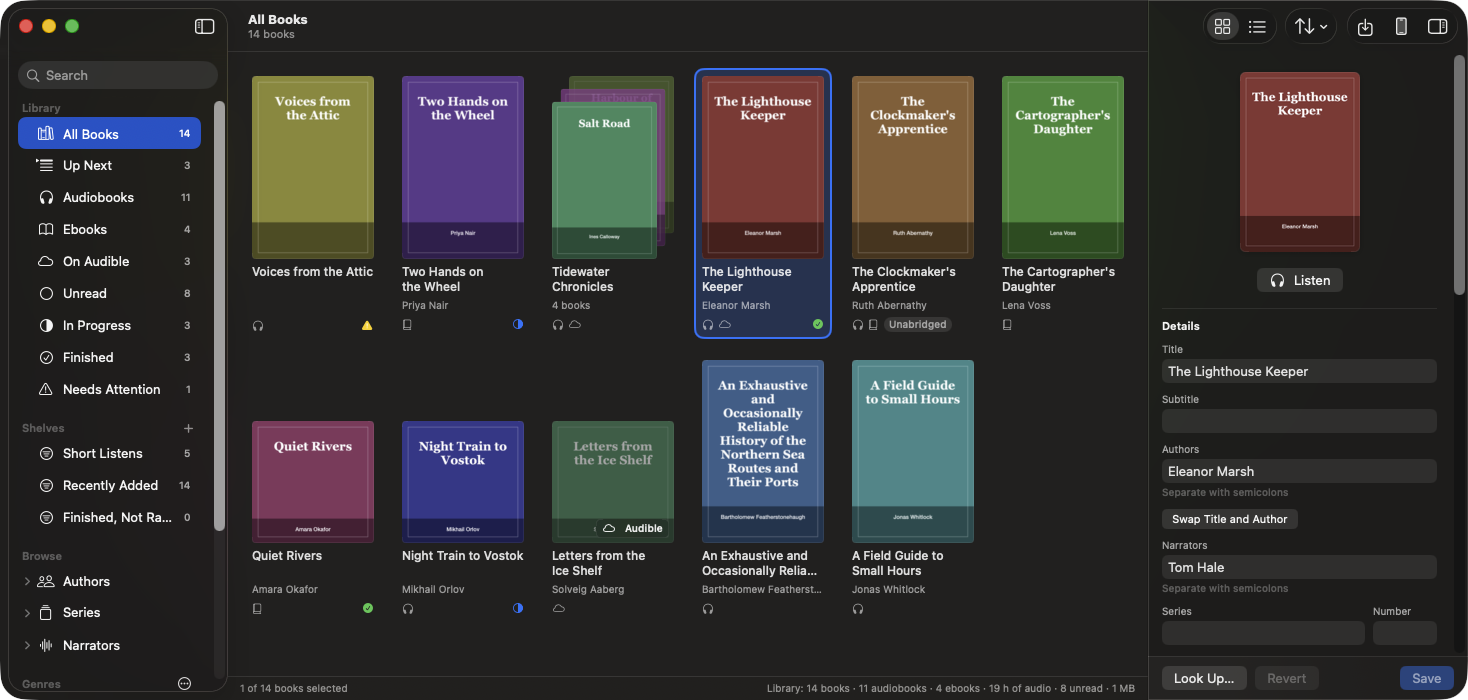
VoxCarrel is a native Mac app for your audiobooks and ebooks. The audiobook, the ebook, the companion PDF, and “I own this on Audible” or “on Kindle” are one book, not four.
Free and open source. macOS 15 or later. This is an early test release: try the demo library first, and import by copy until you trust it with your own books.
What it does today
One entry per book
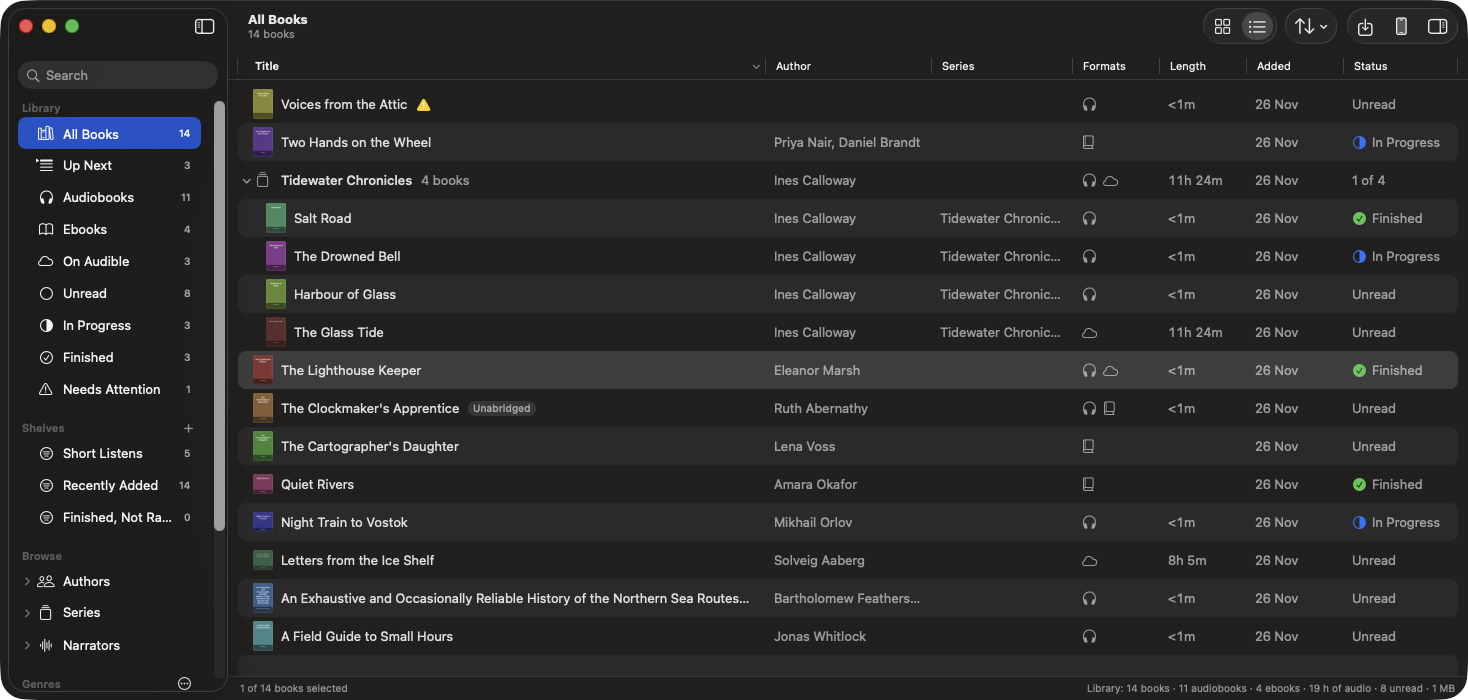
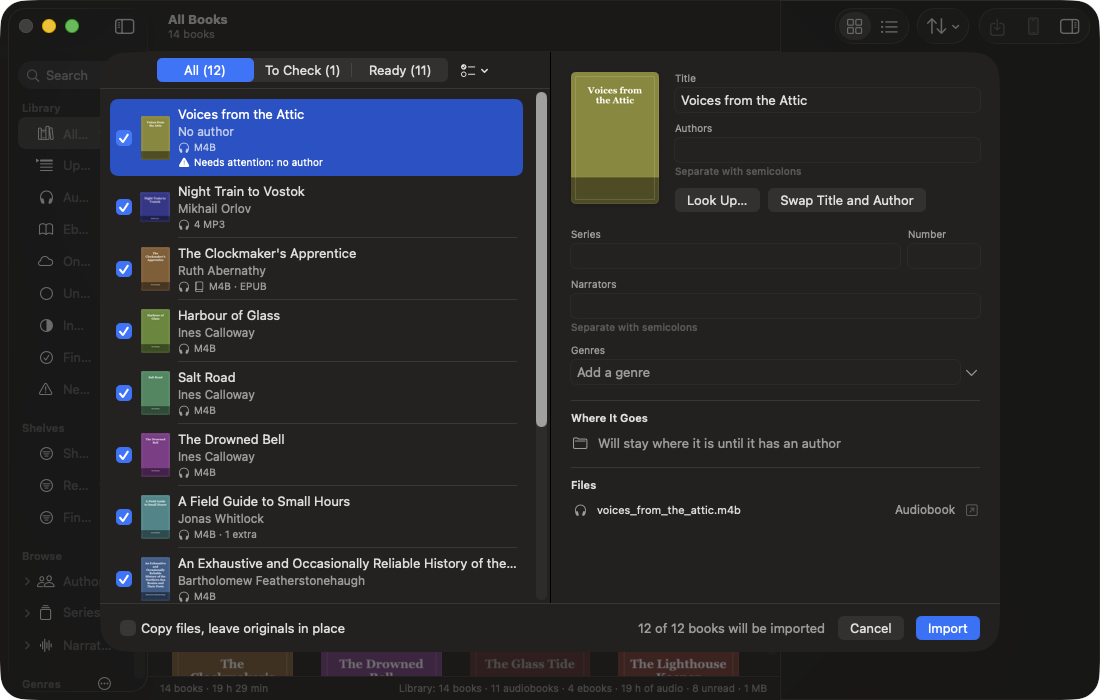
Audiobooks (M4B, M4A, MP3, including a folder of parts) and ebooks (EPUB, PDF and older formats) sit together. A messy folder is read sensibly: copies are set aside and the same book in several formats becomes one entry.
Everything you own, in one list
Link your Audible account and your whole Audible library and Kindle library appear beside your files. You sign in on Amazon's own page; VoxCarrel never sees your password, and it only reads.
Your files, kept tidy
Books are filed into folders arranged the way you choose, with details and covers written into the files themselves. Nothing moves until you have reviewed it, and the last operation can be undone.
Series that show what is missing
A series counts books from everywhere: files on your Mac, Audible and Kindle. It is checked against Audible's own list, and the books you do not have are shown in their place.
Highlights on the books
Kindle highlights through Readwise, the marks you make while listening on Audible, and your own, each on the book it belongs to. Search finds books by the words of their highlights.
What to read next
Up Next lists what you are in the middle of and the next book of each series you have begun. Smart shelves are conditions you save, such as unread audiobooks under six hours.
Coming from calibre
A calibre library comes across in one step, with details, series, covers, tags, ratings and dates. Your calibre library is left as it is. Older ebook formats can be converted to EPUB.
Leave as cleanly as you came
Every filed book has a standard metadata.opf beside it, kept in step with what you edit. Another library manager can pick the library up as it stands.
To your phone and your Kindle
Send an audiobook to your phone by AirDrop or a QR code for BookPlayer, and an ebook to your Kindle through Amazon's Send to Kindle app or by email.
What it does not do
- It does not play or read books. Opening one hands it to your usual player or reader.
- It does not handle protected files such as Audible downloads or protected Kindle books, and it does not remove protection. Books you own there are listed beside your files instead.
- It does not download books, and it never asks for a password.
Local and private
Your library is a folder and a database on your Mac. There is no account to make and no server of ours. VoxCarrel goes online only for the things you ask of it. What it sends, and when.
Where it is going
VoxCarrel is being released early and often. The roadmap lists what is planned for the free app and for Pro, a paid set of extras that is being built during the beta. Pro is free to try while the beta runs.
To hear when a new version is out, follow the releases on GitHub or their feed.
Help make it better
Real libraries are odd in ways no test library is. If something goes wrong, open an issue. Help > Export Diagnostics saves a zip to attach; it names no book, author or file unless you tick the box to include them.